AI Art Generator
Create stunning AI art in any style
King AI is an AI art and image generator that turns a text prompt into gallery-grade visuals. Generate photorealistic images, illustrations, 3D, anime, and surreal styles with Imagen 4 Ultra and Flux.2 — then edit, upscale, remove backgrounds, and animate.
Made in King AI
A look you can direct.
The same tools that made these will follow your reference, your palette, and your style.
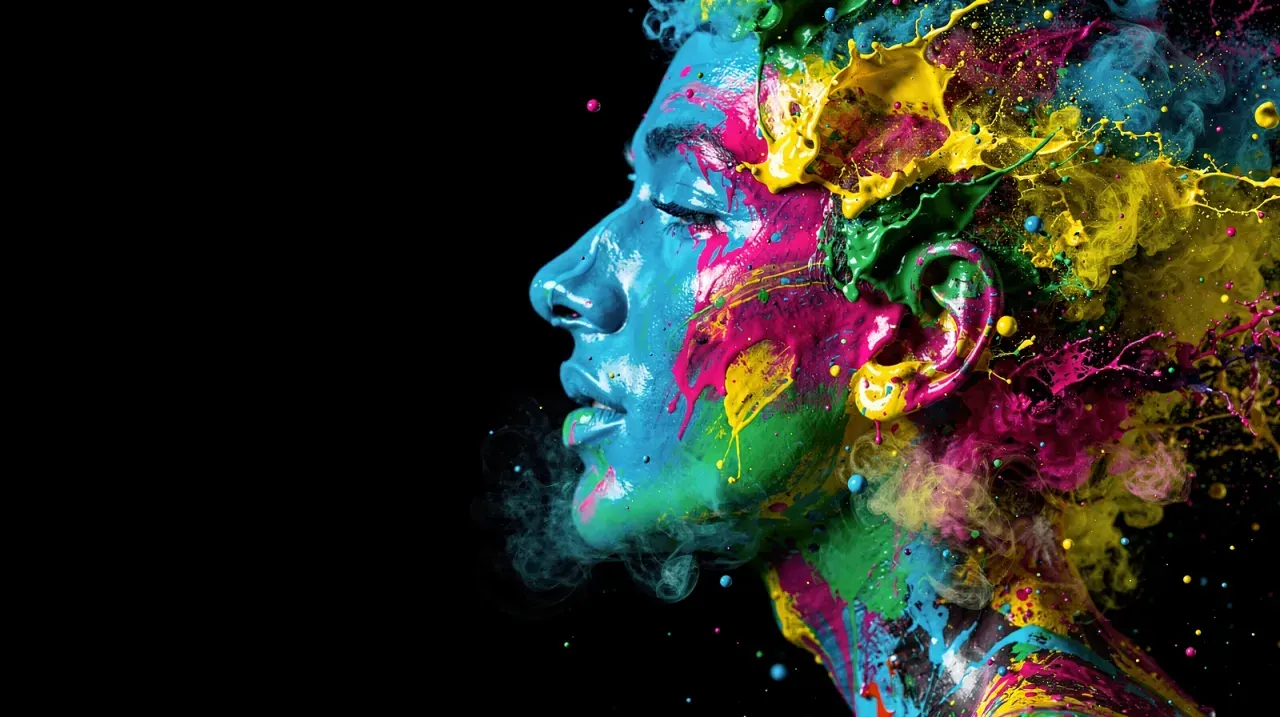
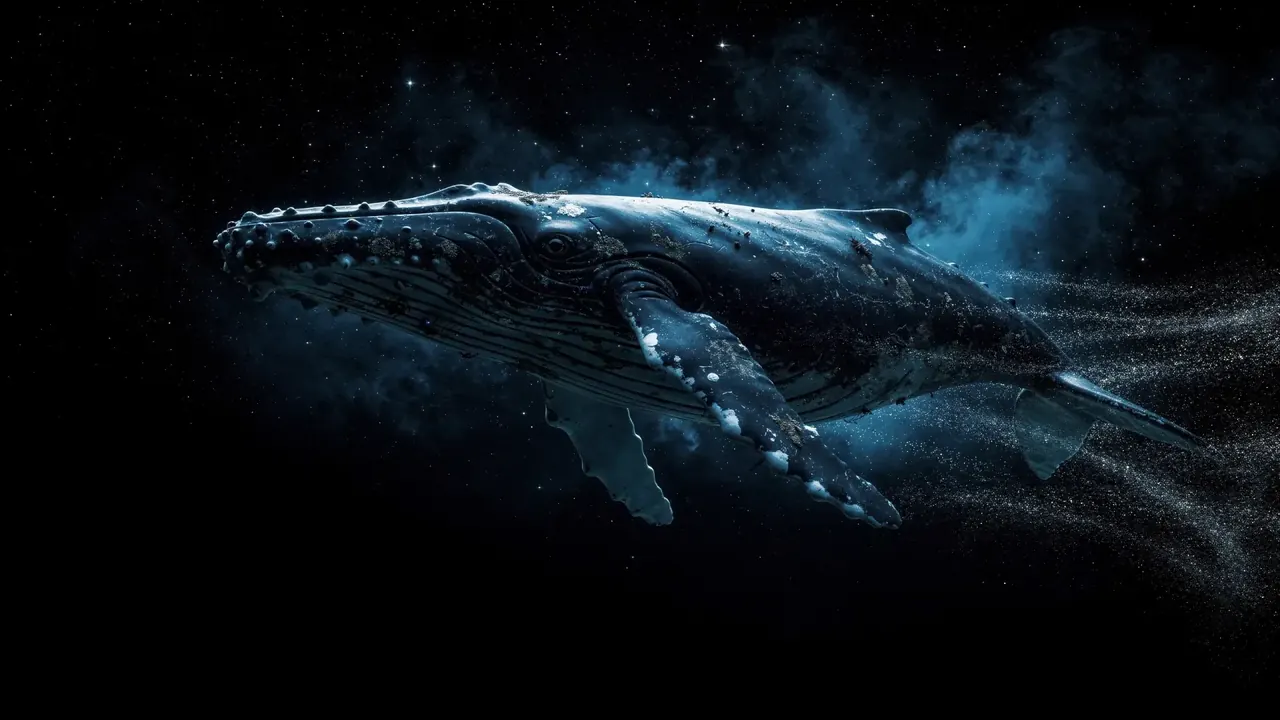
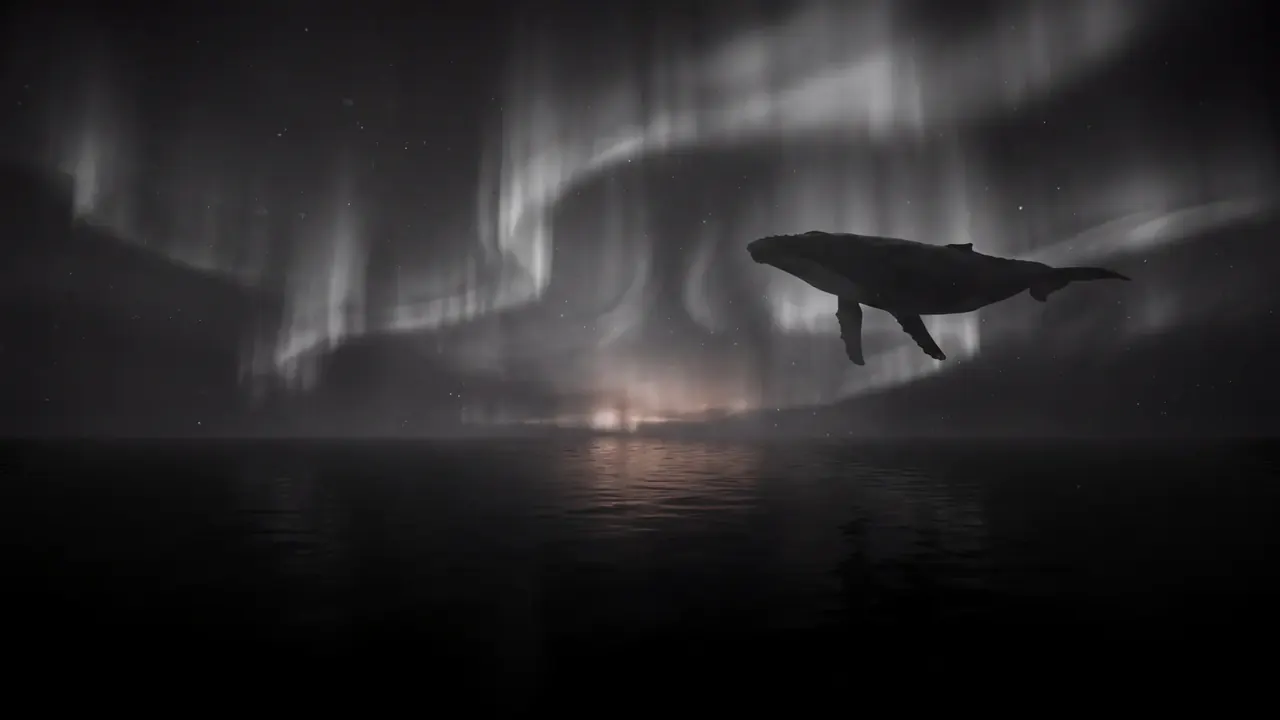
Generated art, unretouched.
How it works
Prompt to finished image in three steps
Describe the image
Write what you want to see — subject, style, lighting, colors, and mood. Mix references like "cinematic", "watercolor", "3D render", or "anime".
Generate with top models
Create with Imagen 4 Ultra for polished realism or Flux.2 for flexible, stylized art, and produce several variations at once.
Refine, upscale, or animate
Edit details, upscale for crisp resolution, remove the background, or send your image to video for motion — all in one app.
What you can create
One prompt, every visual style
From photorealism to fantasy, King AI's image tools cover the styles creators and businesses across the US and Europe need most:
Photorealistic art
Lifelike portraits, products, and scenes with sharp, believable detail.
Illustration & anime
Stylized characters, comics, and anime-inspired artwork from a prompt.
3D & surreal
Bold 3D renders, dreamlike concepts, and imaginative worlds.
Thumbnails & posts
Scroll-stopping visuals sized for YouTube, Instagram, and TikTok.
Edits & upscales
Refine, restyle, and upscale images to high resolution in seconds.
Clean cutouts
One-tap background removal for product shots and design assets.
For artists & illustrators
A new medium for your practice
Illustrators and concept artists use King AI where it genuinely helps — ideation, variation, and finishing — and keep the craft where it counts. It is a tool for exploring more directions per hour, not a replacement for your hand.
Match your own voice
Feed your existing work as a reference and generations stay on-style across a set, instead of drifting into a house look that is not yours.
Explore, then commit
Clay, comic, ink, painterly, and 3D directions from one prompt, so you react to options rather than starting from a blank canvas.
Refine toward the final
Inpaint a hand, restyle a background, or upscale for print — adjust a specific area without regenerating the whole piece.
Bring the piece to motion
Animate a finished illustration into a short clip for a portfolio, a release, or a client presentation.
Sell what you make
Commercial usage is included on every plan and nothing is watermarked, so commissioned and sold work is covered.
Work where you already are
The same library and the same credits on iPhone, iPad, Mac, and the web, so a sketch on a train finishes on a desk.
More ways to create
Explore the full King AI studio
Animate your art
Turn any AI image into a cinematic, moving clip with a single prompt.
Generate video from text
Describe a scene and create full cinematic video with no source image.
Add sound & voice
Compose music, generate voices, and create sound effects for your visuals.
FAQ
AI art, answered
How does the AI art generator work?
Type a prompt describing the image you want — subject, style, colors, and composition — and King AI generates original art using models like Imagen 4 Ultra and Flux.2. You can then edit, upscale, or animate the result.
Is the AI art generator free?
Yes. Download King AI free and create AI images with free credits. Paid plans add more monthly credits; nothing is watermarked, and commercial usage is included on every plan.
Can I edit or upscale AI images?
Yes. King AI includes image editing, AI upscaling for sharper detail, and one-tap background removal, so you can refine any generation without leaving the app.
Can I use AI art commercially?
Yes. Commercial usage is included on every plan and nothing is watermarked, so you can use AI art for thumbnails, ads, posts, and client projects.
Can I turn AI art into a video?
Absolutely. Generate an image, then use image to video to animate it into cinematic motion in the same app.
Start creating
Describe it. See it. Create it.
Download King AI for iPhone, iPad, and Mac, and turn your ideas into stunning AI art.