
Text to Video
Turn text into cinematic video in seconds
King AI is a text to video AI generator that turns a single written prompt into a cinematic clip. Describe the scene, mood, motion, and camera, then let Veo 3.1, Sora 2 Pro, Kling, and 130+ AI models do the filming. No camera, no crew, no editing timeline.
Made in King AI
Written, then filmed.
Three prompts, three shots. No footage, no stock, no camera — each one starts as a sentence.
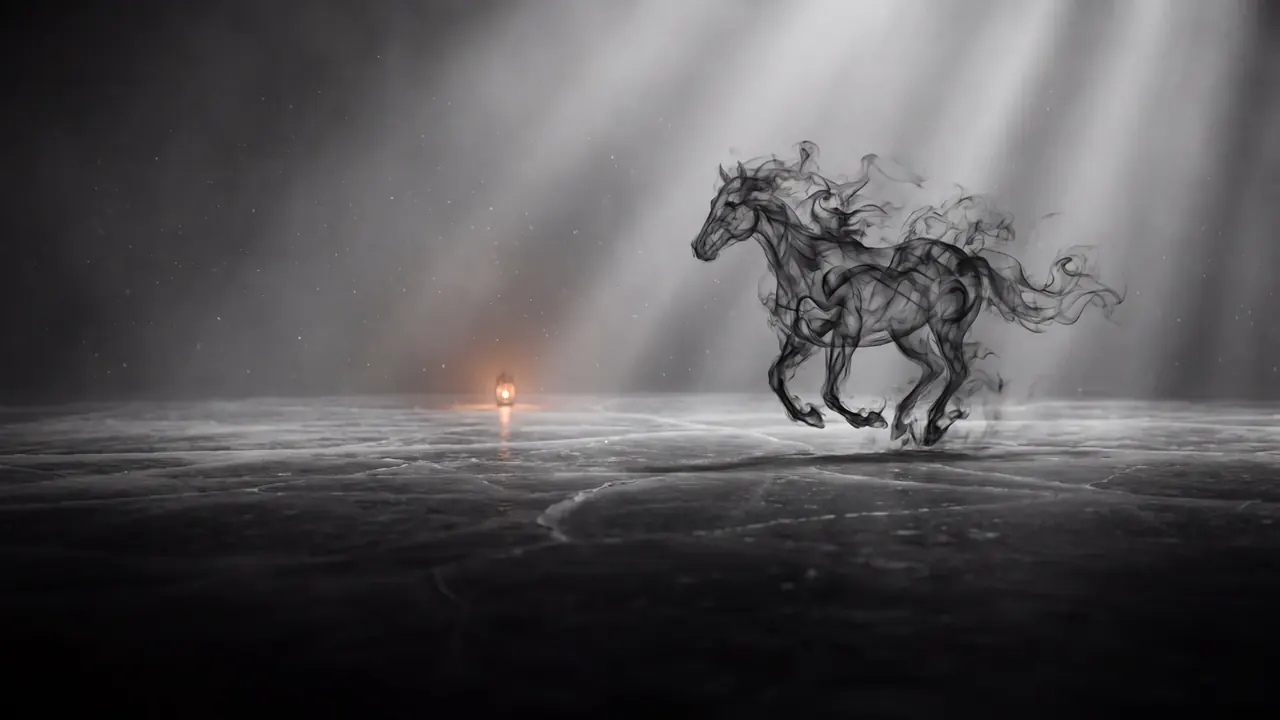
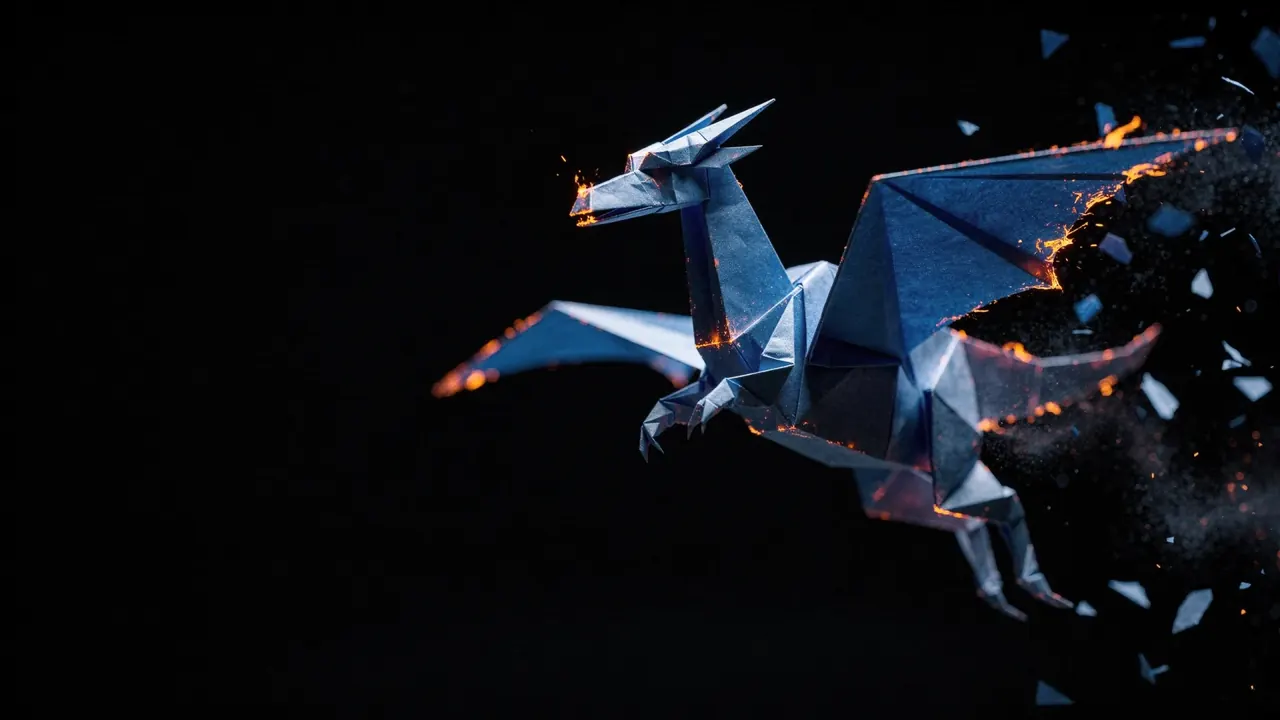
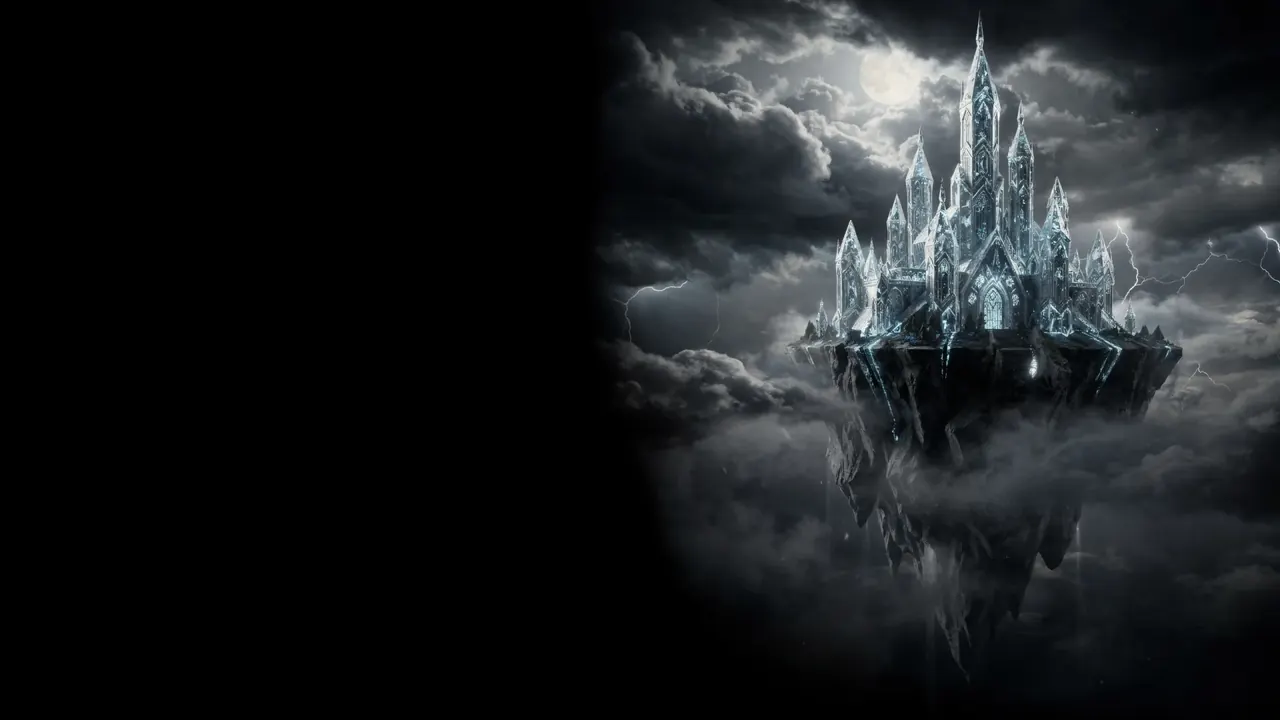
Generated from text alone.
How it works
From prompt to premiere in three steps
Describe your scene
Write a cinematic prompt — subject, action, setting, lighting, and camera movement. The more vivid the description, the more controlled the result.
Choose your AI model
Pick Veo 3.1 or Sora 2 Pro for realistic HD motion, Kling for dynamic action, or a Fast model for speed. Every prompt can use a different engine.
Generate and export
Render your clip in seconds, refine the prompt, add music or sound effects, then export clean, watermark-free, social-ready video.
What you can make
One prompt, endless video formats
Text to video unlocks content that used to need a studio. Creators across the US and Europe use King AI to produce:
Cinematic scenes
Film-grade establishing shots, atmospheres, and story moments from a sentence.
Social clips
Vertical, square, and widescreen videos sized for TikTok, Reels, and Shorts.
Ad concepts
Pitch and prototype ad ideas fast before committing to a full production.
B-roll & backgrounds
Drop-in motion footage to elevate edits, presentations, and live streams.
Explainers
Visualize abstract ideas, products, and concepts with animated storytelling.
Music visuals
Generate moody, looping visuals to pair with tracks and audio releases.
More ways to create
Explore the full King AI studio
Animate any photo
Upload a still image and bring it to life with smooth, cinematic motion.
Generate AI images
Create gallery-grade art and visuals with Imagen 4 Ultra and Flux.2.
Score your video
Compose original music, AI voices, and sound effects to finish your scene.
FAQ
Text to video, answered
How does text to video AI work?
You write a prompt describing the scene, motion, mood, and camera, then King AI sends it to an advanced model like Veo 3.1 or Sora 2 Pro, which generates a short cinematic video that matches your description in seconds.
Is King AI's text to video free?
Yes. You can download King AI free and generate text-to-video clips with free credits. Paid plans add more monthly credits; nothing is watermarked, and commercial usage is included on every plan.
What is the best AI model for text to video?
It depends on your goal. Veo 3.1 and Sora 2 Pro deliver the most realistic HD motion, Kling is great for dynamic action, and Fast models trade a little detail for quicker results. King AI lets you switch models per prompt.
Can I use text-to-video clips commercially?
Yes. Commercial usage is included on every plan and nothing is watermarked, so you can publish AI videos for social posts, ads, and client work.
Is text to video available in the United States and Europe?
Yes. King AI is available on the App Store in the United States, the United Kingdom, and across Europe, and is localized in 30+ languages.
Start creating
Type it. Watch it move.
Download King AI for iPhone, iPad, and Mac, and turn your next idea into cinematic video.