
Image to Video
Image to video: your photos, brought to life.
King AI turns any photo into a moving, breathing video. Animate a portrait's smile, set a landscape in motion, spin a product shot, or revive an old family photo — describe the motion or pick a one-tap effect, and generate.
Made in King AI
One photo in, a moving shot out.
Each of these started as a single still. The models add the motion, the light and the camera move.
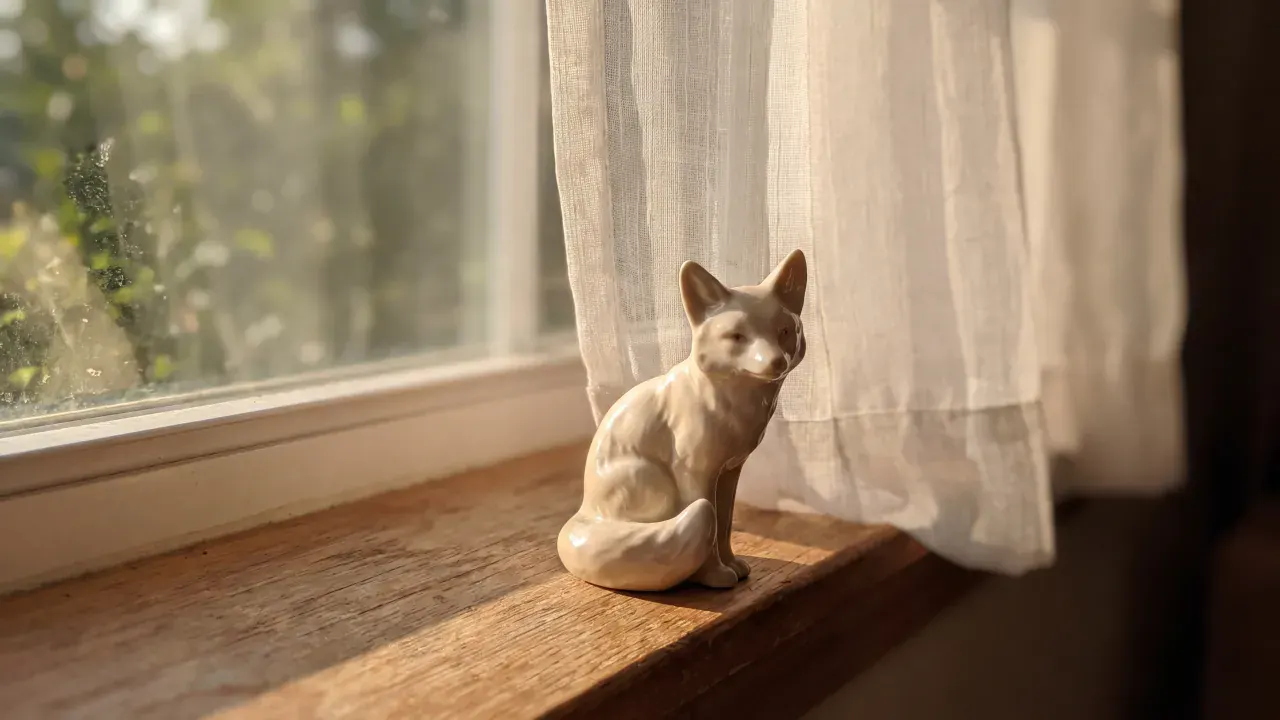
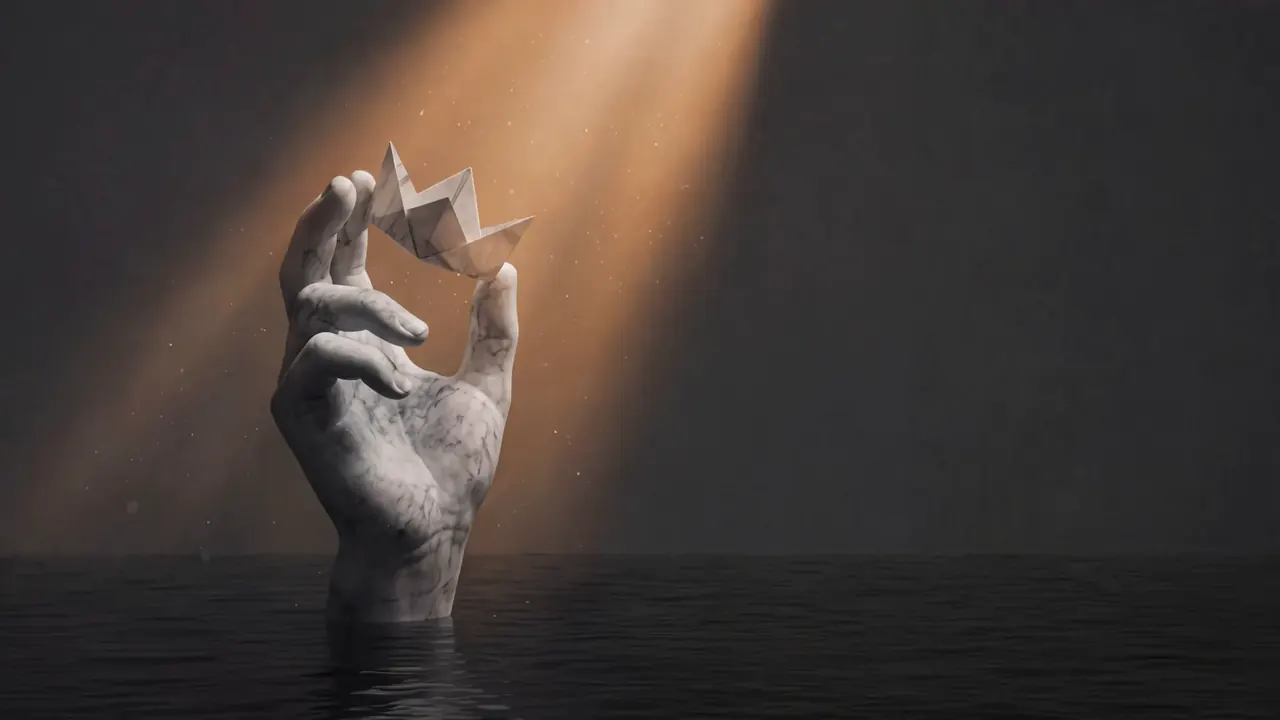
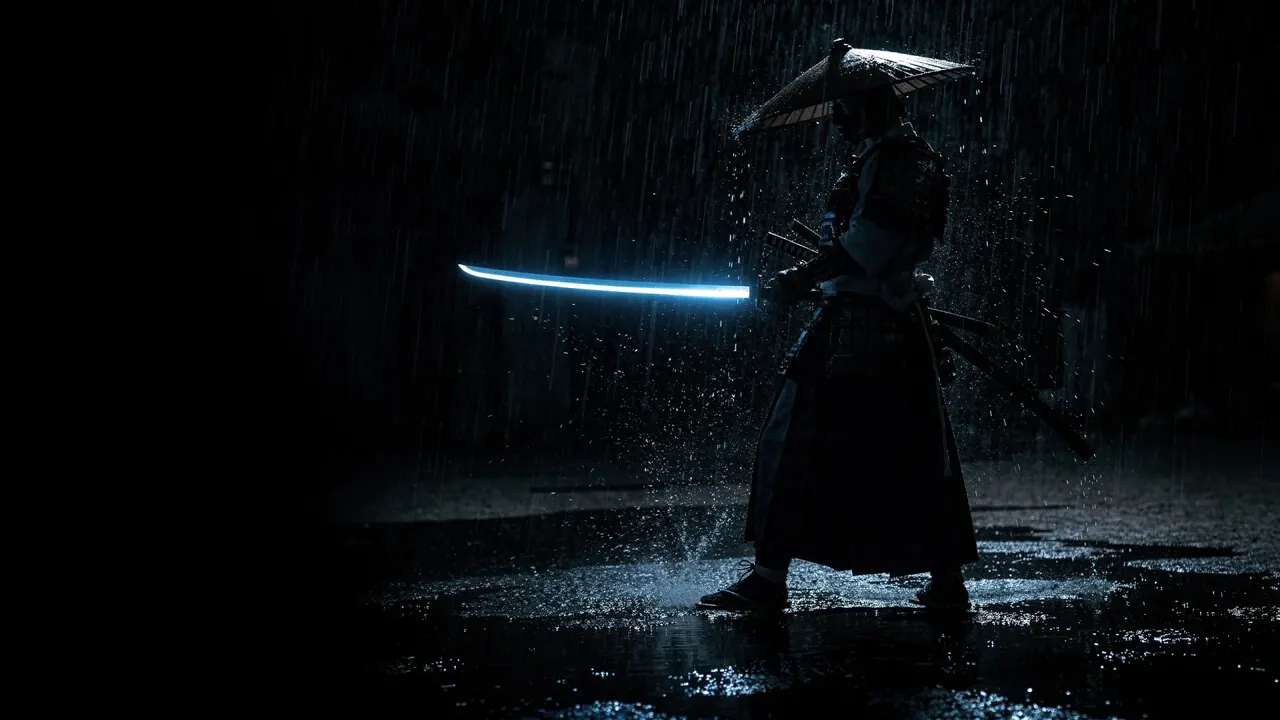
Frames from image-to-video generations.
Highlights
Natural motion from a single frame.
The latest video models understand what's in your photo — people, pets, fabric, water, light — and animate each element the way it moves in real life.
Portraits that breathe
Subtle smiles, blinks, and head turns that keep the person recognisably themselves.
Old photos, revived
Restore and animate vintage family photos into living memories.
One-tap effects
Hugs, dances, muscle surge, Ghibli style — 200 viral effects that work on any photo.
Camera moves
Add cinematic push-ins, orbits, and parallax to still shots.
Capabilities
Every photo has a video inside.
How it works
Image to video in four steps.
Upload a photo
Pick any image from your library — or generate one with the AI Image Generator.
Describe the motion
Type what should happen, or choose a one-tap effect template.
Choose a model & generate
Pick Veo, Kling, Sora, or others — or run several and compare.
Extend, upscale, share
Lengthen the clip, finish at 4K, and export for any platform.
Which one
Image to video vs text to video: which to use.
Both end in a clip. The difference is what you hand the model to start from.
| Compare | Image to video | Text to video |
|---|---|---|
| You start with | A photo or still frame you already have | A written prompt and nothing else |
| The model keeps | The exact face, product, and framing in the shot | Only what your words manage to describe |
| Control of the look | High — the first frame is fixed | Prompt-only, so takes vary run to run |
| Best for | Family photos, product shots, characters you already designed | Scenes that do not exist yet, and fast concepting |
| Usual next step | Extend the clip, then upscale to 4K | Keep the best take, then re-run it as image to video |
Models
Choose the model per photo.
Different models excel at different motion — run them side by side and keep the best.
Deep dive
From still to story.
What separates a gimmick from a keeper.
Identity
People stay themselves
Identity-preserving models animate the person in your photo without redrawing them — the smile that appears is theirs, not a lookalike's.
- Faithful faces and features
- Kling-grade identity preservation
- Works on old and scanned photos
Motion
Physics the eye believes
Hair moves with the breeze, water ripples outward, fabric folds naturally — each element in the photo is animated the way it moves in real life.
- Element-aware animation
- Subtle-to-dramatic motion control
- Camera moves: push-in, orbit, parallax
Finish
A clip worth posting
Extend the short animation to a full scene, upscale to 4K, and score it with AI music — the whole pipeline lives in one app.
- Extend to 60s+ without a seam
- 4K upscale before export
- Music, voice, and captions in-app
FAQ
Photo to video, answered.
How do I turn a photo into a video with AI?
Upload the photo, describe the motion you want (or pick a one-tap effect), choose a model, and generate. King AI animates the photo into a moving clip in about a minute.
What kind of photos work best?
Almost anything: portraits, pets, products, landscapes, old family photos, illustrations, and AI art. Clear subjects and good lighting give the best motion.
Can I animate old family photos?
Yes — it's one of the most popular uses. Bring old portraits to life with subtle natural motion like smiles, blinks, and gentle camera movement.
Is image to video the same as photo to video?
Yes — they are two names for one capability. You hand the model a still frame instead of only a text prompt, and it generates the motion from it. This page covers both. Text to video is the alternative when you have no image to start from.
How long can the videos be?
Generate 5–10 second clips, then chain the AI Video Extender to reach 60 seconds or more while keeping the look consistent.
Is photo-to-video free to try?
Yes. Download King AI free and animate photos with free daily credits. Paid plans add more monthly credits, and nothing is watermarked on any plan.
Get started
Animate your first photo.
Download King AI free and bring a photo to life in under a minute with free daily credits.